Google Brings iMessage Support to Gemini for macOS
Google is updating the Gemini application on macOS to support local Apple iMessage interactions.
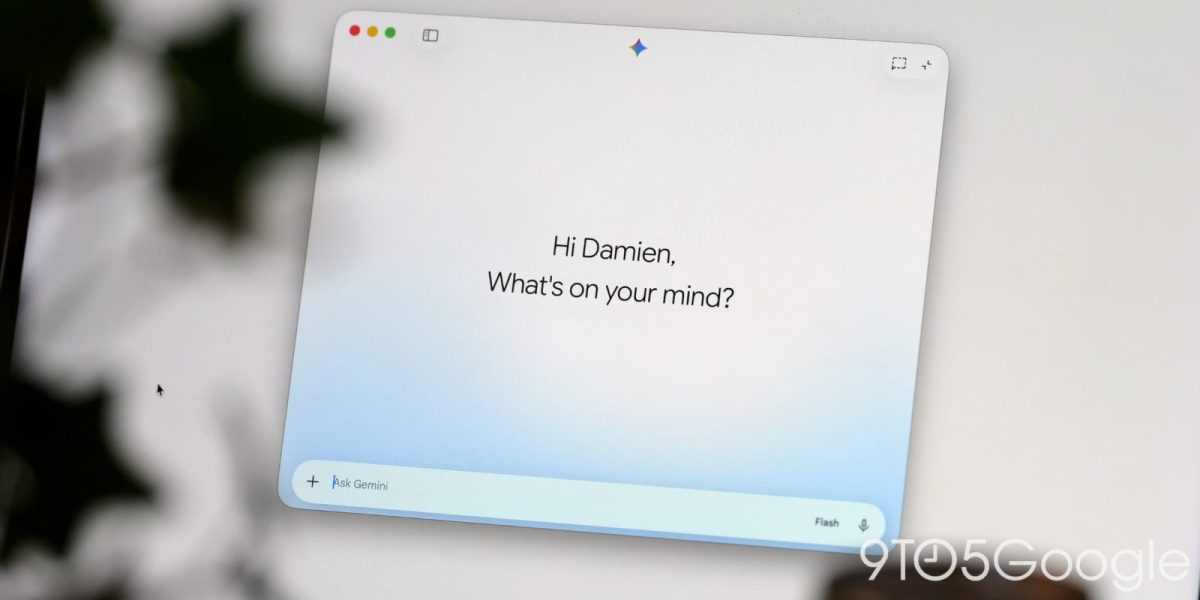
Google has prepared a local iMessage integration for the macOS version of its Gemini application. This development arrives shortly after the software launched on Windows computers.
According to 9to5Google, the new Connected App function operates under the label @messages. This tool is designed to let users read, search, and send messages directly inside Apple Messages.
Setting Up and Features
The feature relies on past conversations to supply context for prompts. Users can search through chat history to retrieve information.
To locate the tool, users must update Gemini for macOS to version 1.116.5.889. The option appears at the bottom of the Connected Apps section in the settings menu.
At present, a server-side component is missing. The prompt box does not yet recognize the @messages command.
Recent Additions to macOS Gemini
Alongside the upcoming iMessage integration, recent software updates brought several other tools to the Mac platform. A File Providers extension now displays an "Add to Gemini" option when users right-click files in Finder, allowing photos and documents to drop straight into the prompt box. This feature can be turned on within the extensions settings.
Furthermore, Google introduced a side panel containing Images, Videos, and Daily Brief options.
For users, this means tighter integration between Google's AI assistant and native Apple messaging, assuming the upcoming server-side rollout completes successfully. It will allow quick referencing of text conversations without leaving the AI interface.
Google has not provided a specific timeline for when the server-side component will launch to activate the @messages feature fully.