Samsung Galaxy Watch: What the Orange Dot and Other Icons Mean
An orange marker on your Galaxy Watch display highlights unread alerts, alongside several other status symbols.
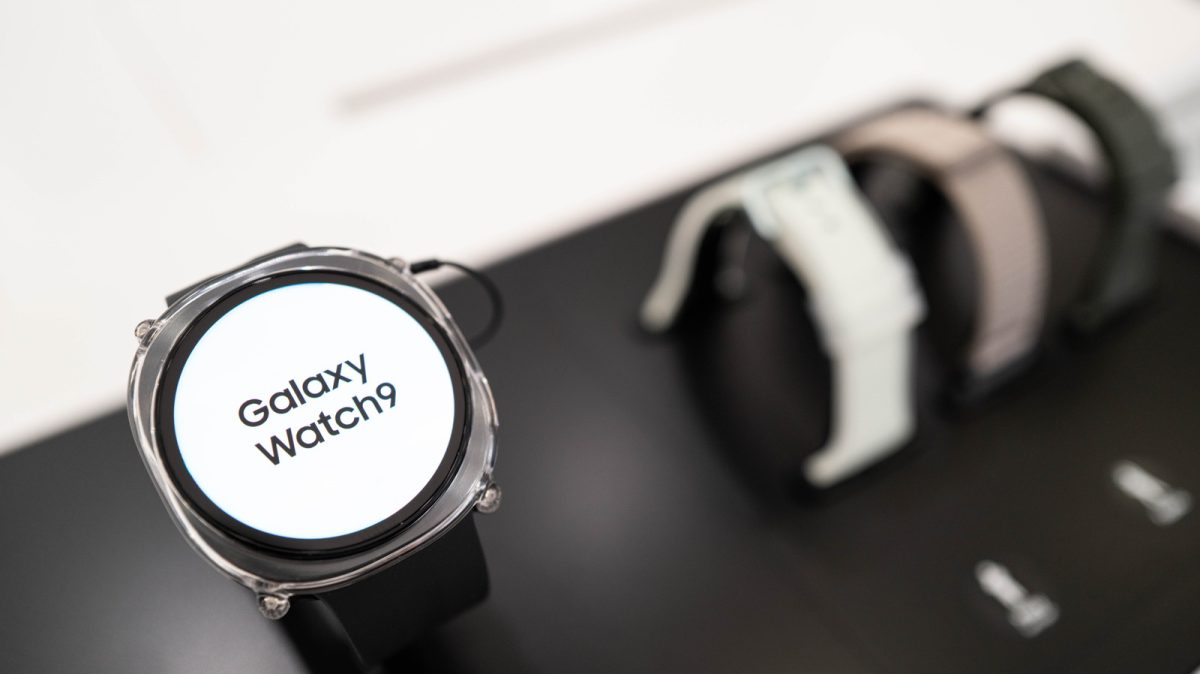
A tiny orange marker appearing on the left edge of a Samsung Galaxy Watch screen signifies that unread notifications are waiting for your attention. The graphic remains visible until every pending alert has been opened or cleared from the interface.
If that circular indicator changes from orange to red, it highlights an urgent message that requires immediate viewing. As reported by Engadget, this alert design remains a staple across Samsung hardware generations, featuring on models like the Galaxy Watch 8, the Galaxy Watch 9, and the Galaxy Watch Ultra 2.
Wearers who prefer a clean display can disable the prompt straight from the wearable. To switch it off, open Settings, choose Notifications, tap Advanced Settings, and deactivate the option for the new notification indicator on the watch display.
The same adjustment can be handled from a synchronized mobile device. Owners can launch the Galaxy Wearable application, enter Watch Settings, select Notifications, access the advanced notification preferences, and turn off the indicator toggle.
Decoding Other Watch Face Icons
Samsung also uses other compact icons along the top and bottom edges of the watch face to relay device status while conserving screen space.
At the top of the panel, three different icons can indicate your connection and security status. A telephone symbol crossed out with a slash shows that the watch has severed its Bluetooth link to the smartphone. A small rectangle framing a cloud indicates that the device has connected through Wi-Fi or cellular data rather than Bluetooth. Meanwhile, a padlock icon indicates that the device is secured and requires a PIN or password before it can be used.
Other indicators occupy the bottom portion of the display during background tasks. A blue musical note shows when an application is playing or pausing audio, and tapping this symbol allows users to manage playback. Additionally, a green telephone symbol surfaces in that same spot whenever a voice conversation is active on either the watch or the paired phone.